
A playbook, not a blank page.
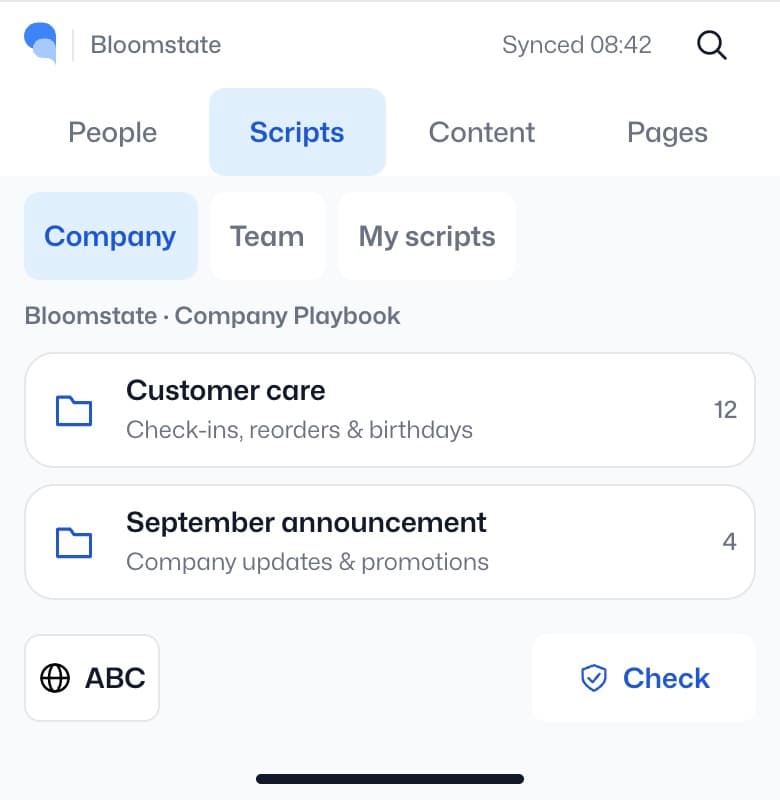
Find company scripts by topic. Start with useful language and adapt it to the person.
Features / Emma Keyboard
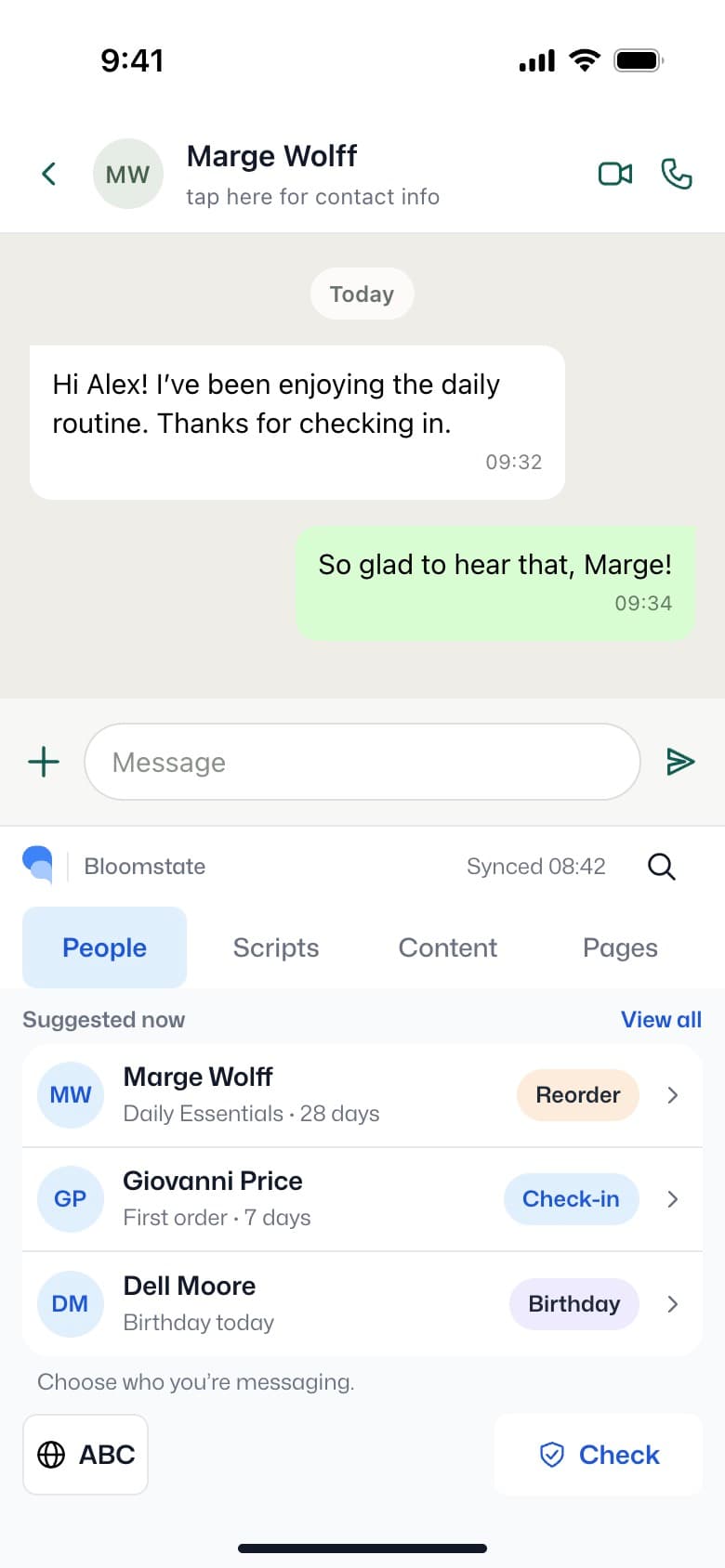
Find content, use your links and prepare a draft where you type. Emma Keyboard brings useful tools into the conversation; you review and send.
Keyboard extension preview · Not yet available to install
Your words. With a little help from Emma.
Use company content and personal links without generating anything. Bring in Emma for drafting or a second look, with the partner in control.
01 / Choose the context
Choose a person and a reason to reach out, such as a thank-you or a check-in.
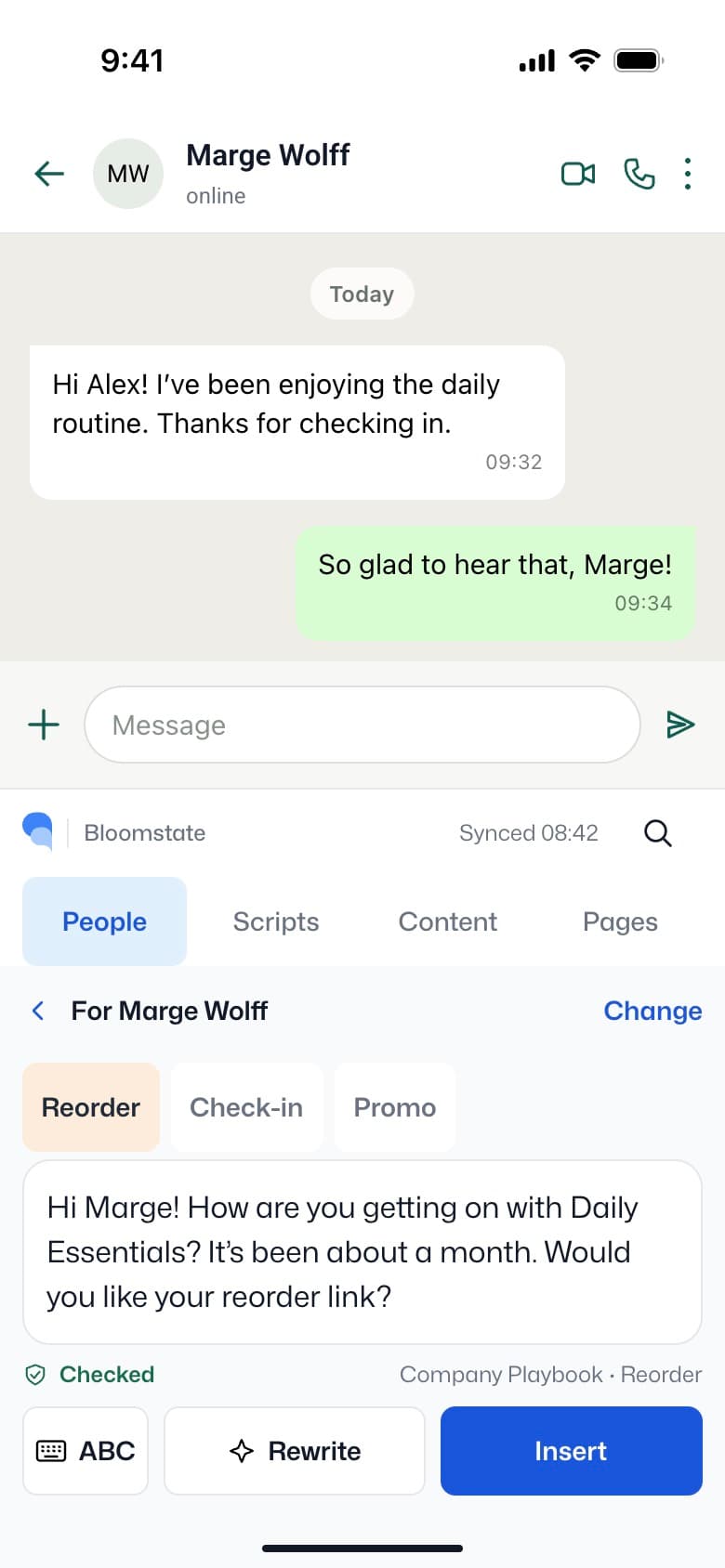
02 / Review the draft
Read the suggestion, adjust the tone and change anything that doesn’t sound like you.
03 / Insert, then send
Insert the text into the conversation. Review it in place. Sending remains your action.
Planned / Your company library
Give your field a place to find company playbooks, helpful content and personal links—inside the keyboard.
Find company scripts by topic. Start with useful language and adapt it to the person.
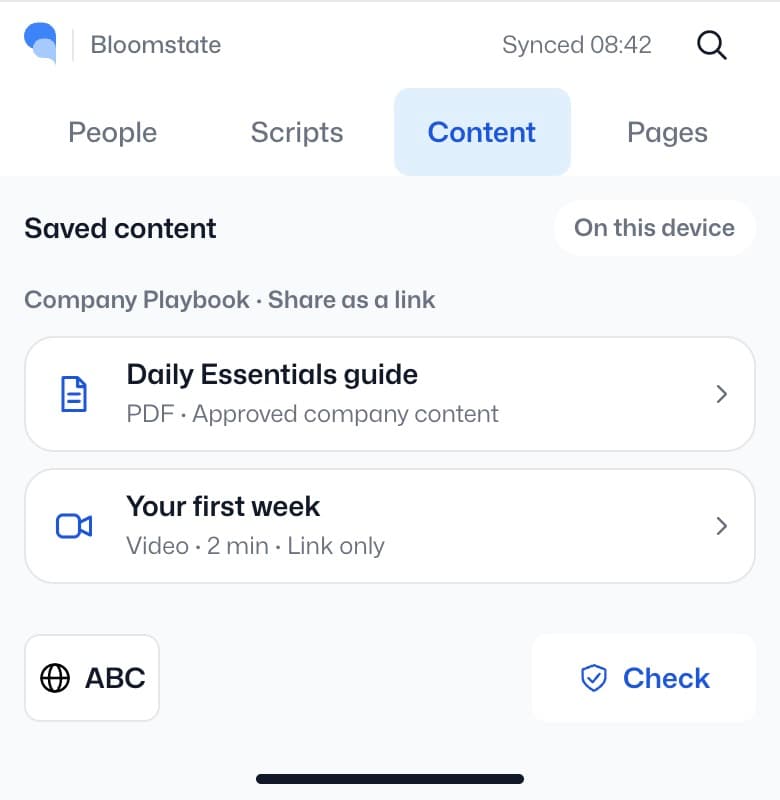
Bring company content into the conversation as a link. Add a personal page when it fits.
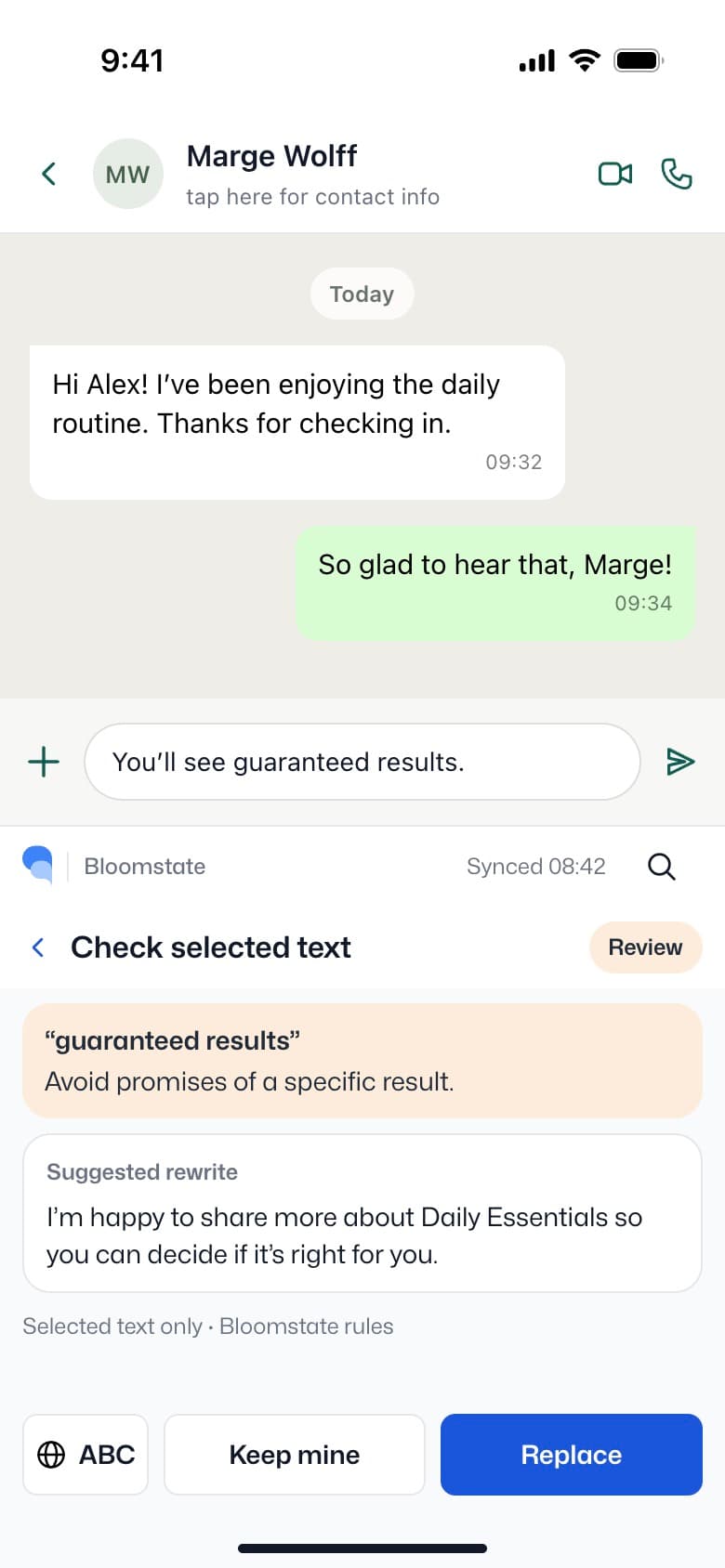
Check with Emma
Ask Emma to check selected text against company guidance and suggest a clearer alternative when something needs attention.
Design concept, not a guarantee of compliance. Checks support human review; they don’t replace company policy or professional advice.
Watch the concept
Choose a person → review a draft → insert it → add a useful link. A short motion prototype can show the entire idea.
Meet Emma Keyboard.
Book a live walkthroughA few useful answers
Tell us how your consultants work today—and where a little help inside the conversation would matter.